

How to install and activate Office 2024, Office 2021, Visio and Project
Your key email includes the download link for your product. Install it, open any app, enter the 25-character key, and Office activates online.
Updated 7 October 202601Before you install
- Uninstall other Office versions first, including Microsoft 365 trials that came with the PC (Settings → Apps → Installed apps). Different Office versions on one PC often conflict.
- Office runs on Windows 11 and Windows 10. These versions are not for Mac.
- Keep your 25-character product key at hand (key email or your account).
02Install Office 2021, Visio 2021 or Project 2021
- Download the installer from the link in your key email. It's an .img file from Microsoft's servers.
- Double-click the .img file. Windows opens it like a DVD drive.
- Run Setup.exe and wait while Office downloads and installs. This can take 10–30 minutes depending on your connection.
03Install Office 2024
- Download the Office 2024 installer from the link in your key email.
- Run the downloaded file and allow it to make changes.
- Wait while Office downloads and installs, then close the installer.
04Activate with your product key
- Open Word (or Visio / Project).
- When asked to sign in or activate, choose to enter a product key. You can also go to File → Account → Change Product Key.
- Type your 25-character key and confirm.
- Office checks the key online. Under File → Account it should say Product Activated.
05Visio and Project next to Office
Visio 2021 and Project 2021 install alongside Office. For this to work, they need the same version family and the same 32/64-bit type as the Office already installed. If the installer refuses, uninstall the other Office version and try again, or ask us.
06Office 2021 support ends October 13, 2026
Office 2021 keeps working after this date, but Microsoft stops releasing security updates for it. If you're buying today, Office 2024 Professional Plus is supported until October 9, 2029. Compare them in Office 2024 vs Office 2021.
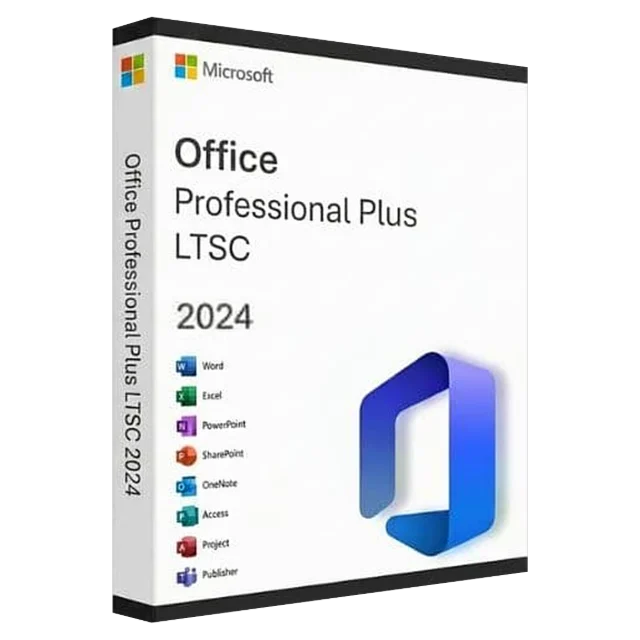
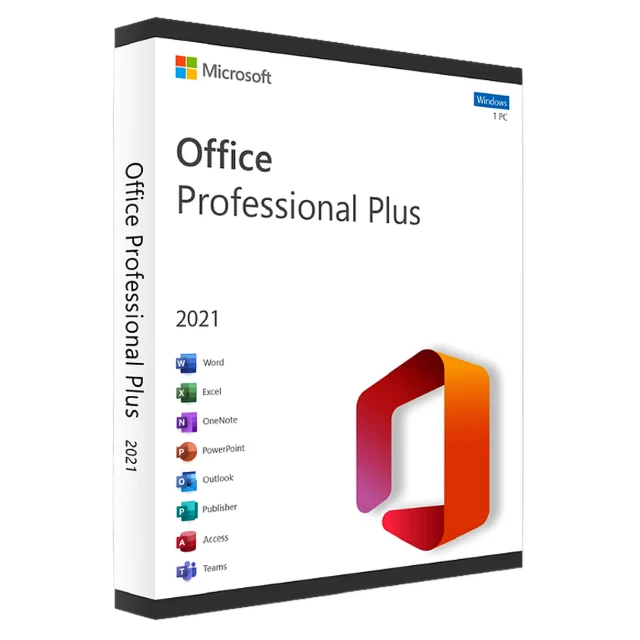
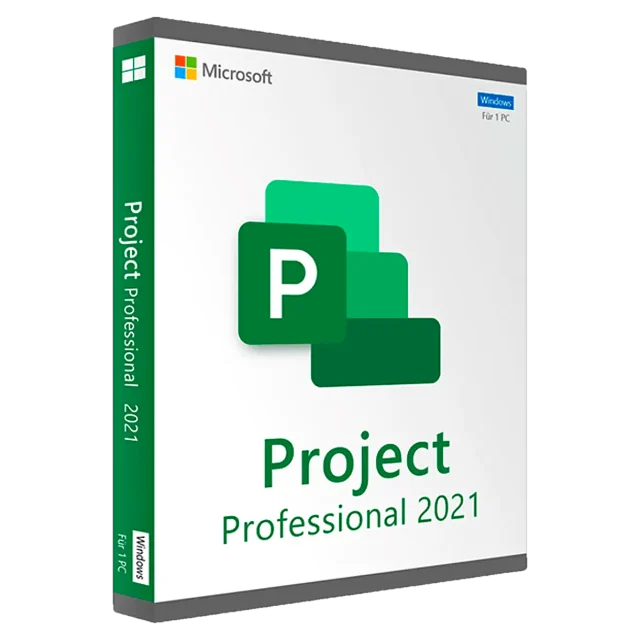
Products in this guide

Related guides
Office activation errors: Unlicensed Product, key already used and other fixesFix Office 2024 and Office 2021 activation problems: "Unlicensed Product", "This product key has already been used", key not valid for your Office, conflicts with Microsoft 365 and more.Read guide →Office Standard vs Professional Plus (2021 and 2024): which apps are included?Office LTSC Standard vs Professional Plus for 2021 and 2024 compared app by app: Word, Excel, PowerPoint, Outlook, OneNote, Access, Publisher. Which edition to choose.Read guide →How to install and activate Office 2024 without a Microsoft accountInstall and activate Office 2024 or Office 2021 Professional Plus with just your product key, no Microsoft account or sign-in needed. Step by step, plus how to skip the sign-in screen.Read guide →Office 2024 vs Microsoft 365: buy once or subscribe?Office 2024 vs Microsoft 365 compared: one-time purchase or subscription, apps, cloud storage, devices, updates and long-term cost. Which one is right for you?Read guide →