Office 2024 vs Microsoft 365: buy once or subscribe?
Both give you Word, Excel, PowerPoint and Outlook. The real difference is how you pay, and what you get on top of the apps.
Updated 7 October 202601At a glance
| Office 2024 | Microsoft 365 | |
|---|---|---|
| How you pay | Once | Every month or year |
| Word, Excel, PowerPoint, Outlook | Yes | Yes |
| New features | No, the apps stay as they are | Yes, added regularly |
| Security updates | Until October 9, 2029 | As long as you subscribe |
| Cloud storage | Free OneDrive storage only | 1 TB of OneDrive per person |
| Devices | One Windows PC | PC, Mac, tablet and phone |
| Copilot AI features | No | Included in personal plans |
| Works offline | Always | Needs to sign in regularly |
| If you stop paying | Nothing changes | Apps switch to read-only |
02Choose Office 2024 if…
- You mainly use Office on one Windows PC.
- You don't want another subscription, and you'd rather pay once and be done.
- You already store files on your PC, an external drive or another cloud service.
- The PC is often offline, or it's a work machine that must not change on its own.
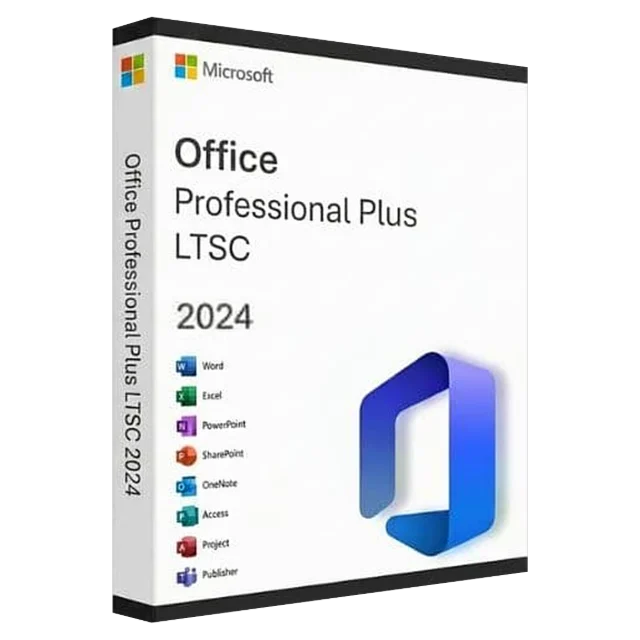
Over three or four years, a one-time Office 2024 key usually costs much less than a subscription. Office 2024 Professional Plus includes Word, Excel, PowerPoint, Outlook, OneNote and Access.
03Choose Microsoft 365 if…
- You want Office on a Mac, a tablet and your phone as well as your PC.
- You need a lot of cloud storage or want to share it with your family.
- You want the newest features and Copilot as soon as they ship.
04Common questions
Can I open Microsoft 365 files in Office 2024? Yes. Both use the same file formats (.docx, .xlsx, .pptx).
Can I still use OneDrive with Office 2024? Yes, with the free storage that comes with any Microsoft account, or a separate storage plan.
What about Office 2021? It's cheaper, but its security updates end on October 13, 2026. See what Office 2021 end of support means.
How do I install Office 2024? Use the download link in your key email, then follow how to install and activate Office.