

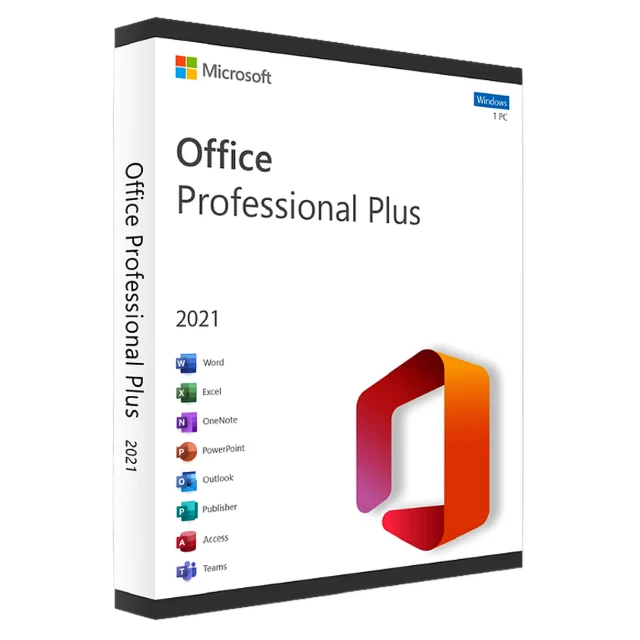
Office 2021 Professional Plus
1 PC, one-time purchase, no subscription
$29.99
Delivery: 2–10 min
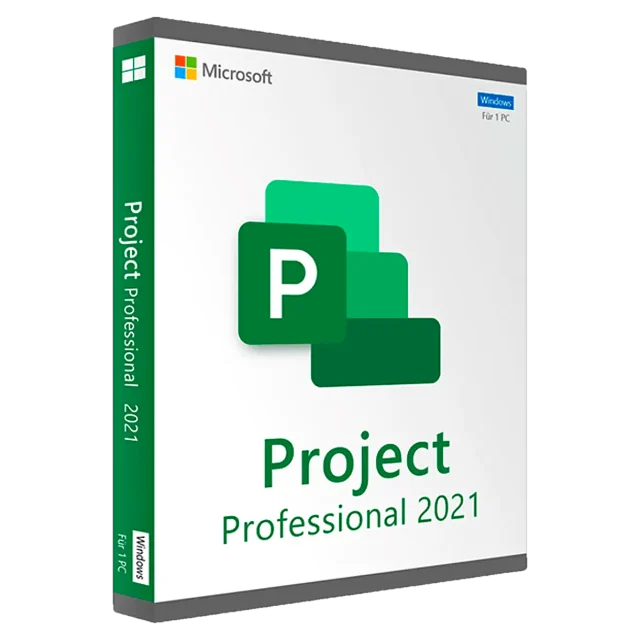
1 PC, project planning
Project Professional 2021 is Microsoft's desktop app for planning and tracking projects: Gantt charts, task dependencies, timelines, budgets and resource assignments. It's a one-time purchase with no subscription.
The Professional edition goes beyond Project Standard with resource management across projects, team planner views, and the ability to sync with Project Online or Project Server. Built-in reports show progress, costs and resource load at a glance.
Please note: Microsoft ends security updates for Project 2021 on October 13, 2026. Project keeps working after that date, and .mpp files stay compatible with newer versions.
| Edition | Project Professional 2021 |
|---|---|
| License type | Perpetual, 1 PC |
| Validity | Lifetime, no subscription |
| Platform | Windows 10 and 11 (32-bit and 64-bit) |
| Languages | All languages offered by Microsoft |
| Activation | Online through Microsoft |
| Delivery | By email within 10 minutes – 6 hours |
| Security updates | Until October 13, 2026 |
Your key email includes the download link. Step-by-step help: installation & activation guide.
Yes, in most cases. Office and Project need the same 32-bit or 64-bit version and the same installation technology. If the installer reports a conflict, contact us before activating.
Professional adds the team planner, cross-project resource management and connection to Project Online / Project Server. Standard is for single-user planning.
Yes. Project 2021 opens files from Project 2010 and later, and saves in the current .mpp format.
By email, within 10 minutes – 6 hours of your payment. Check your spam folder if it hasn't arrived, or contact us with your order ID.
Yes. It is a retail license that activates online through Microsoft's own servers.
Yes. Keep the key safe; it stays tied to your PC's hardware so you can reactivate after a clean install.
Email [email protected] with your order ID and the error code. We replace the key or refund you within 30 days.
1 PC, one-time purchase, no subscription
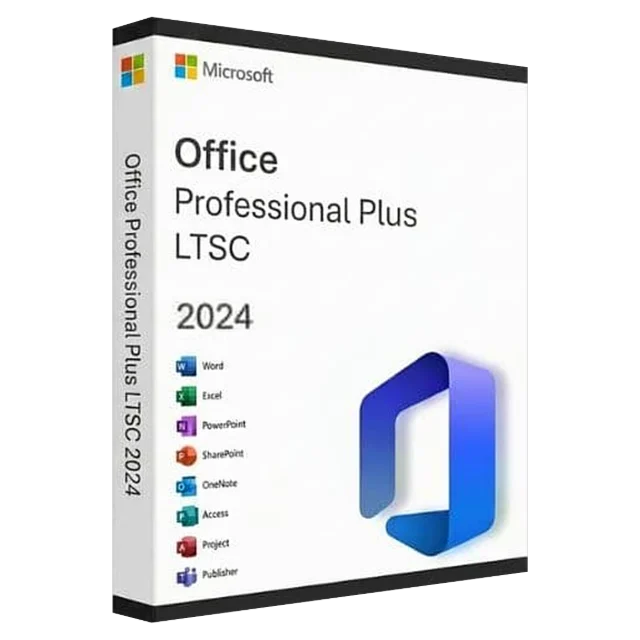
1 PC, newest perpetual Office
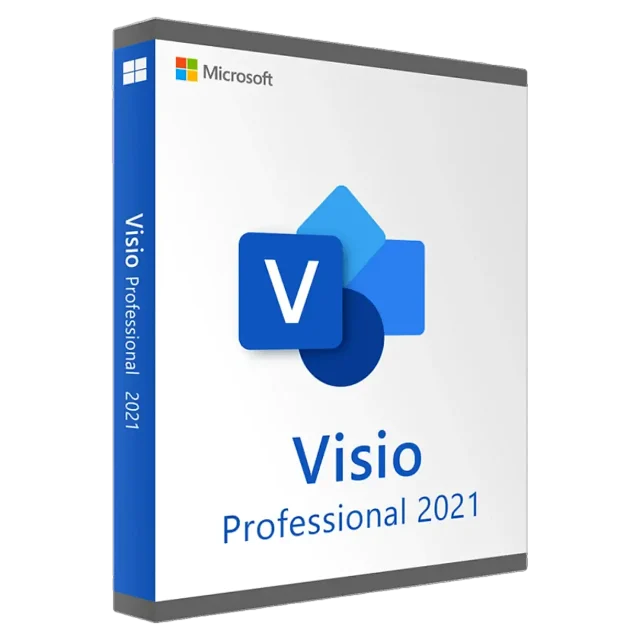
1 PC, diagrams and flowcharts
Retail key, 1 PC, lifetime activation