

Windows 11 Home
Retail key, 1 PC, lifetime activation
$19.99
Delivery: 2–10 min
Retail key, 1 PC, lifetime activation
Windows 11 Pro is the edition built for people who need more control over their PC: freelancers, small businesses, IT enthusiasts and anyone who wants full disk encryption or remote access. It includes everything in Windows 11 Home and adds the tools power users actually rely on.
The biggest differences from Home are BitLocker drive encryption (protects your files if a laptop is lost or stolen), Remote Desktop hosting (connect to this PC from anywhere), Hyper-V and Windows Sandbox for running virtual machines or testing software safely, the Group Policy editor, and the ability to join a company domain or Microsoft Entra ID.
Already on Windows 11 Home? You don't need to reinstall. Enter this Pro key in Settings and Windows upgrades itself to Pro in a few minutes, keeping all your files and apps.
| Edition | Windows 11 Pro |
|---|---|
| License type | Retail, 1 PC |
| Validity | Lifetime, no subscription |
| Architecture | 64-bit |
| Languages | All languages supported by Windows |
| Activation | Online through Microsoft |
| Delivery | By email, instantly |
Your key email includes the download link. Step-by-step help: installation & activation guide.
Yes. Go to Settings → System → Activation → Change product key and enter the Pro key. Windows downloads the Pro features and restarts; your files, apps and settings stay in place.
From Microsoft's official Windows 11 download page. Use the Installation Media Creation Tool to make a bootable USB stick, or download the ISO. The same installer covers Home and Pro; the key decides the edition.
Run Microsoft's PC Health Check app first. Missing TPM 2.0 or Secure Boot is often just a setting switched off in the BIOS/UEFI. If the hardware really isn't supported, ask us before buying and we'll suggest the right option.
Pro adds BitLocker encryption, Remote Desktop hosting, Hyper-V, Windows Sandbox, Group Policy and domain/Entra ID join. For gaming, browsing and office work, Home is enough; choose Pro if you need any of those tools.
Instantly. Your key is sent to your email as soon as PayPal confirms the payment.
Yes. It is a retail license that activates online through Microsoft's own servers.
Yes. Keep the key safe; it stays tied to your PC's hardware so you can reactivate after a clean install.
Email [email protected] with your order ID and the error code. We replace the key or refund you within 30 days.
Retail key, 1 PC, lifetime activation
Retail key, 1 PC, upgradable to Windows 11 Pro
1 PC, one-time purchase, no subscription
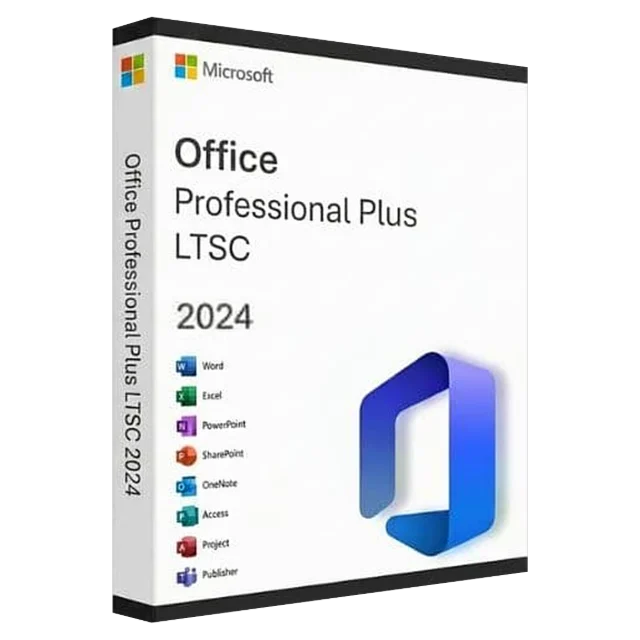
1 PC, newest perpetual Office