

Windows 11 Pro
Retail key, 1 PC, lifetime activation
$24.99
Instant delivery
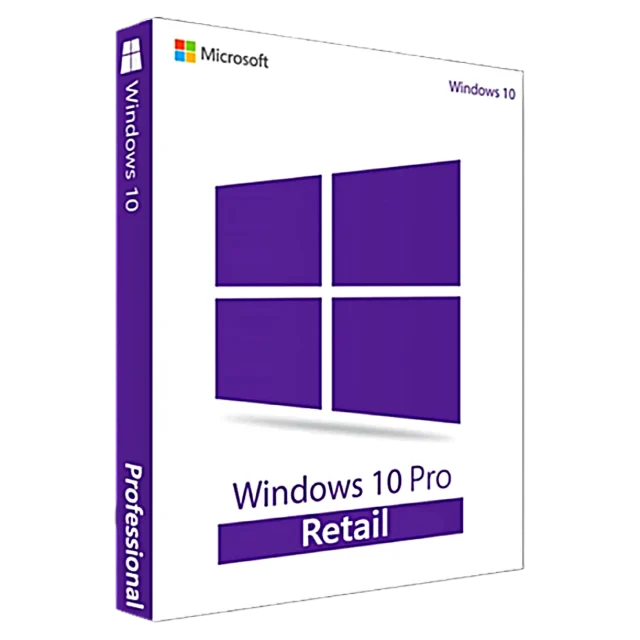
Retail key, 1 PC, upgradable to Windows 11 Pro
Windows 10 Pro is still the familiar choice for older PCs and for software that hasn't moved to Windows 11 yet. It includes BitLocker encryption, Remote Desktop hosting, Hyper-V, Group Policy and domain join, the same business tools found in Windows 11 Pro.
Please note: Microsoft ended regular support for Windows 10 on October 14, 2025, so it no longer receives free security updates. If your PC meets the Windows 11 requirements, we recommend installing Windows 11 Pro instead. This key works for that too, because a Windows 10 Pro key activates Windows 11 Pro.
That makes this key a good fit if you run Windows 10 Pro today and plan to move to Windows 11 later, or if you need Windows 10 for a specific machine or app.
| Edition | Windows 10 Pro (also activates Windows 11 Pro) |
|---|---|
| License type | Retail, 1 PC |
| Validity | Lifetime, no subscription |
| Architecture | 32-bit and 64-bit |
| Languages | All languages supported by Windows |
| Activation | Online through Microsoft |
| Delivery | By email within 2–10 minutes |
Your key email includes the download link. Step-by-step help: installation & activation guide.
Not for free. Microsoft ended regular support on October 14, 2025. Windows 10 keeps working, but for ongoing security updates we recommend Windows 11 Pro, which this key also activates.
Yes. Install Windows 11 Pro from Microsoft's official download page, then enter this key in Settings → System → Activation. Your PC must meet the Windows 11 hardware requirements.
The key works with both. Choose 64-bit unless you have a very old PC with less than 4 GB RAM; 64-bit can use all your memory and runs modern apps.
Yes. On Windows 10 Home go to Settings → Update & Security → Activation → Change product key, enter the Pro key, and Windows upgrades to Pro without reinstalling.
By email, within 2–10 minutes of your payment. Check your spam folder if it hasn't arrived, or contact us with your order ID.
Yes. It is a retail license that activates online through Microsoft's own servers.
Yes. Keep the key safe; it stays tied to your PC's hardware so you can reactivate after a clean install.
Email [email protected] with your order ID and the error code. We replace the key or refund you within 30 days.
Retail key, 1 PC, lifetime activation
Retail key, 1 PC, lifetime activation
1 PC, one-time purchase, no subscription
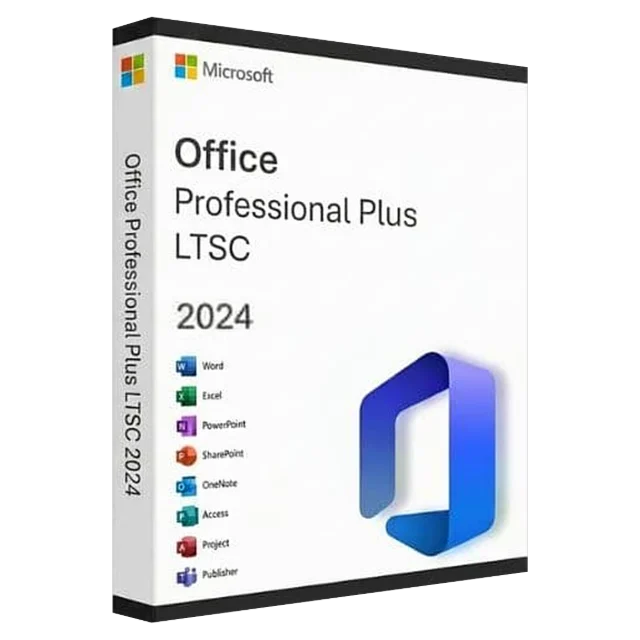
1 PC, newest perpetual Office