

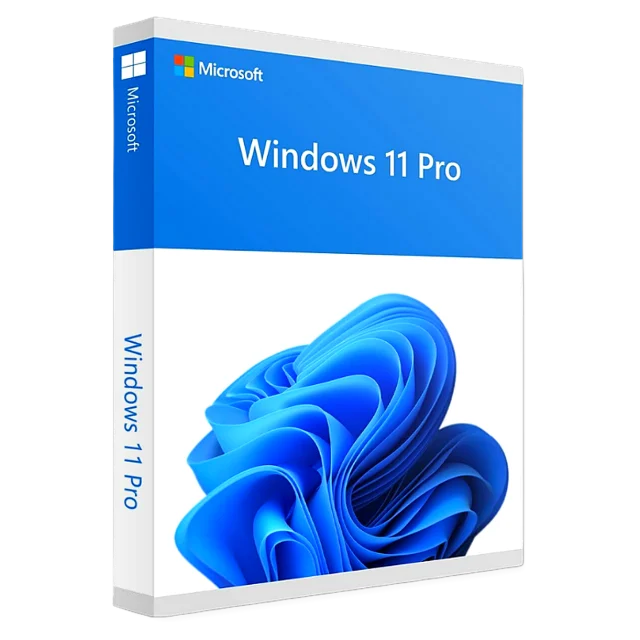
Windows 11 Pro
Retail key, 1 PC, lifetime activation
$24.99
Instant delivery
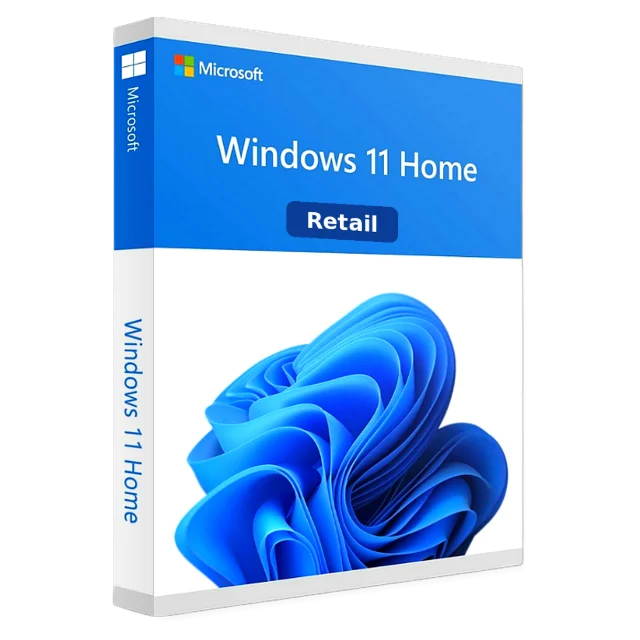
Retail key, 1 PC, lifetime activation
Windows 11 Home is the standard edition of Windows 11 found on most new laptops and desktops. It's the right choice for everyday use: browsing, streaming, office work, school and gaming, with the redesigned Start menu, Snap layouts, DirectX 12 Ultimate and Auto HDR for games, and built-in Microsoft Defender security.
Use this key to activate a fresh Windows 11 Home installation, or a PC that shows "Windows isn't activated" after a hardware change or reinstall. Once activated, the watermark disappears and personalization settings unlock.
If you later need business features such as BitLocker or Remote Desktop hosting, you can upgrade to Windows 11 Pro at any time with a Pro key, without reinstalling.
| Edition | Windows 11 Home |
|---|---|
| License type | Retail, 1 PC |
| Validity | Lifetime, no subscription |
| Architecture | 64-bit |
| Languages | All languages supported by Windows |
| Activation | Online through Microsoft |
| Delivery | By email within 2–10 minutes |
Your key email includes the download link. Step-by-step help: installation & activation guide.
Yes, if the PC meets the Windows 11 requirements. Upgrade or clean-install Windows 11 Home, then enter the key in Settings → System → Activation.
No. The key must match the installed edition. If Pro is installed, either buy a Pro key or reinstall and choose Windows 11 Home during setup.
Windows keeps working, but shows a watermark, locks personalization settings (wallpaper, colors, themes) and reminds you to activate. Activation removes all of that.
Yes. Home has every gaming feature, including DirectX 12 Ultimate, Auto HDR, DirectStorage and Game Mode. Pro adds nothing for games.
By email, within 2–10 minutes of your payment. Check your spam folder if it hasn't arrived, or contact us with your order ID.
Yes. It is a retail license that activates online through Microsoft's own servers.
Yes. Keep the key safe; it stays tied to your PC's hardware so you can reactivate after a clean install.
Email [email protected] with your order ID and the error code. We replace the key or refund you within 30 days.
Retail key, 1 PC, lifetime activation
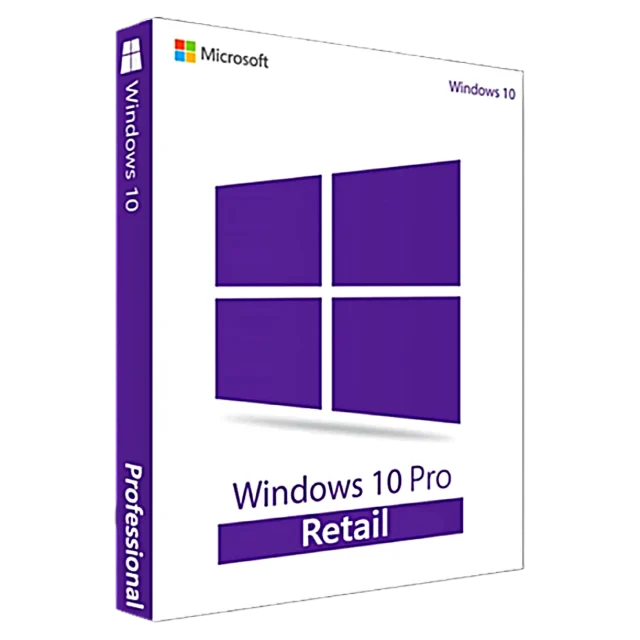
Retail key, 1 PC, upgradable to Windows 11 Pro
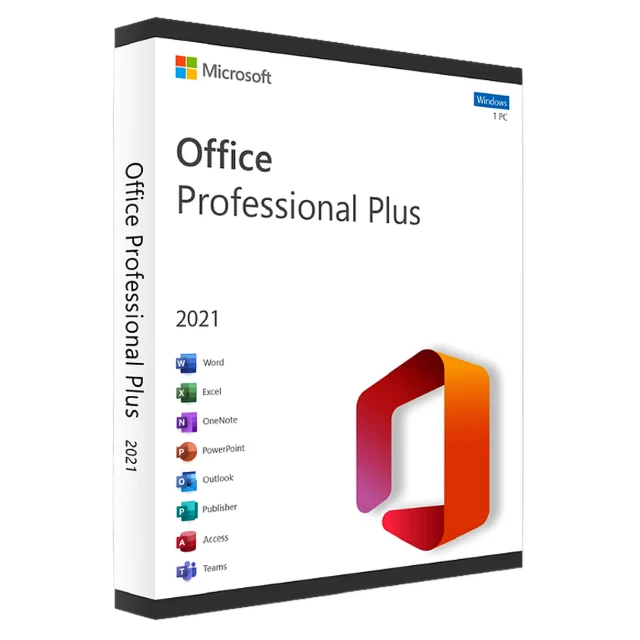
1 PC, one-time purchase, no subscription
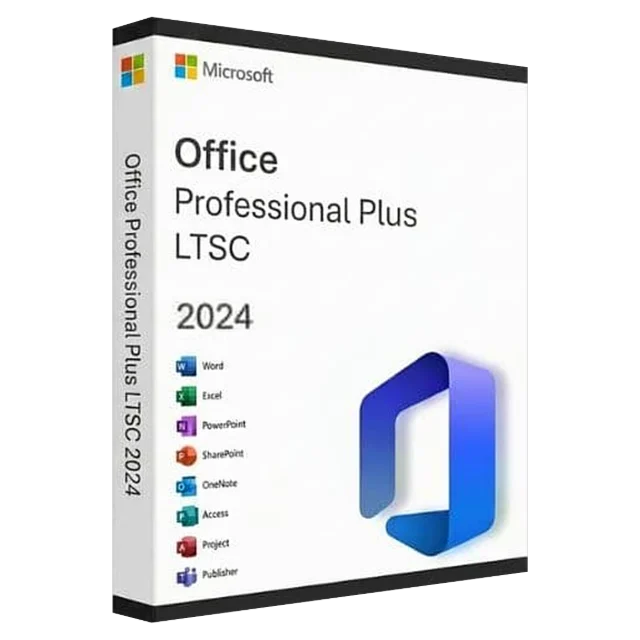
1 PC, newest perpetual Office