

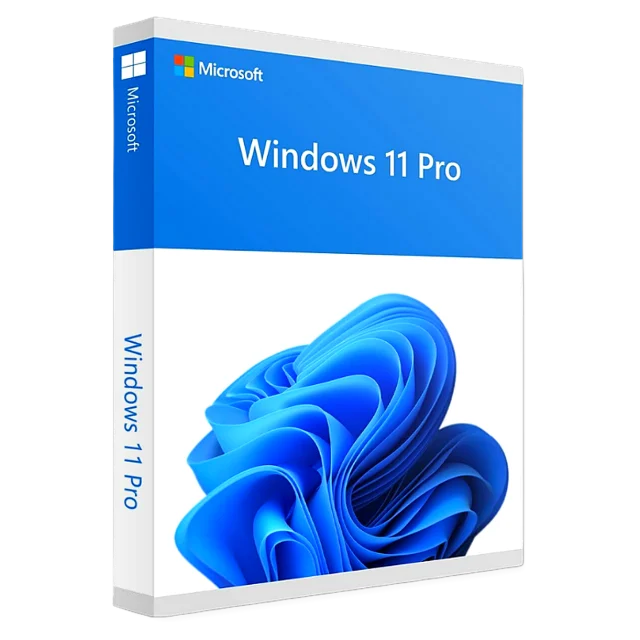
Windows 11 Pro
Retail key, 1 PC, lifetime activation
$24.99
Instant delivery
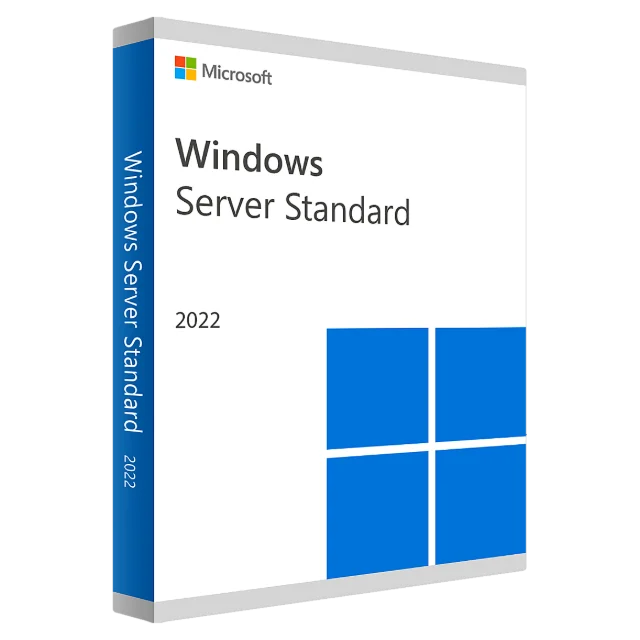
16 cores, lifetime activation
Windows Server 2022 Standard is Microsoft's server operating system for physical servers and lightly virtualized environments: file and print servers, Active Directory domain controllers, web servers with IIS, and small business application servers.
This Standard license covers up to 16 physical cores and includes the right to run up to two virtual machines (Windows Server guests) on the licensed host with Hyper-V. Version 2022 adds secured-core server protections, TLS 1.3 by default, SMB over QUIC support for remote file access and improved Azure hybrid tools.
Microsoft supports Windows Server 2022 with security updates until October 14, 2031, so it remains a long-term choice for production servers. Note that client access licenses (CALs) for users or devices connecting to the server are licensed separately.
| Edition | Windows Server 2022 Standard |
|---|---|
| Cores covered | Up to 16 physical cores |
| Virtualization | Up to 2 Windows Server VMs |
| License type | Perpetual, 1 server |
| Architecture | 64-bit |
| Activation | Online through Microsoft |
| Security updates | Until October 14, 2031 |
| Delivery | By email within 10 minutes – 6 hours |
Your key email includes the download link. Step-by-step help: installation & activation guide.
No. Each user or device that accesses the server needs a CAL, and CALs are sold separately. Ask us if you're unsure how many you need.
Windows Server Standard is licensed per core, with 16 cores as the minimum per server. For more cores you need additional core licenses; contact us and we'll help you calculate it.
Yes. On an evaluation install, run DISM /online /Set-Edition:ServerStandard /ProductKey:YOUR-KEY /AcceptEula from an administrator command prompt, then restart.
Standard is for physical servers or up to two VMs per license. Datacenter allows unlimited VMs and is meant for heavily virtualized hosts.
By email, within 10 minutes – 6 hours of your payment. Check your spam folder if it hasn't arrived, or contact us with your order ID.
Yes. It is a retail license that activates online through Microsoft's own servers.
Yes. Keep the key safe; it stays tied to your PC's hardware so you can reactivate after a clean install.
Email [email protected] with your order ID and the error code. We replace the key or refund you within 30 days.
Retail key, 1 PC, lifetime activation
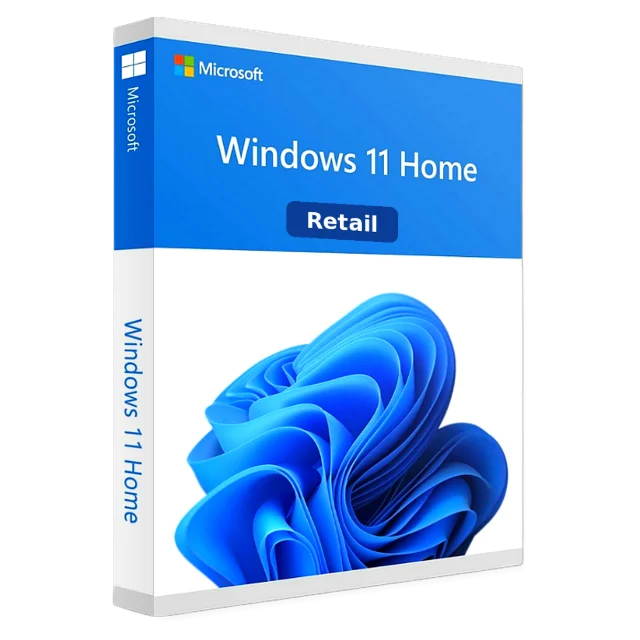
Retail key, 1 PC, lifetime activation
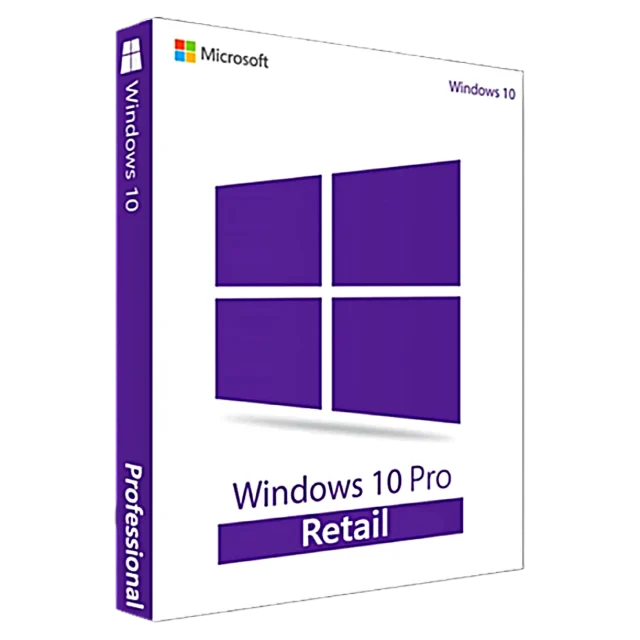
Retail key, 1 PC, upgradable to Windows 11 Pro
1 PC, one-time purchase, no subscription